A chess board that runs software you control.
Sensors under every square, a light under every square, and an install button in your browser. That's the whole idea.
Playing on it
- 01
Set up the pieces
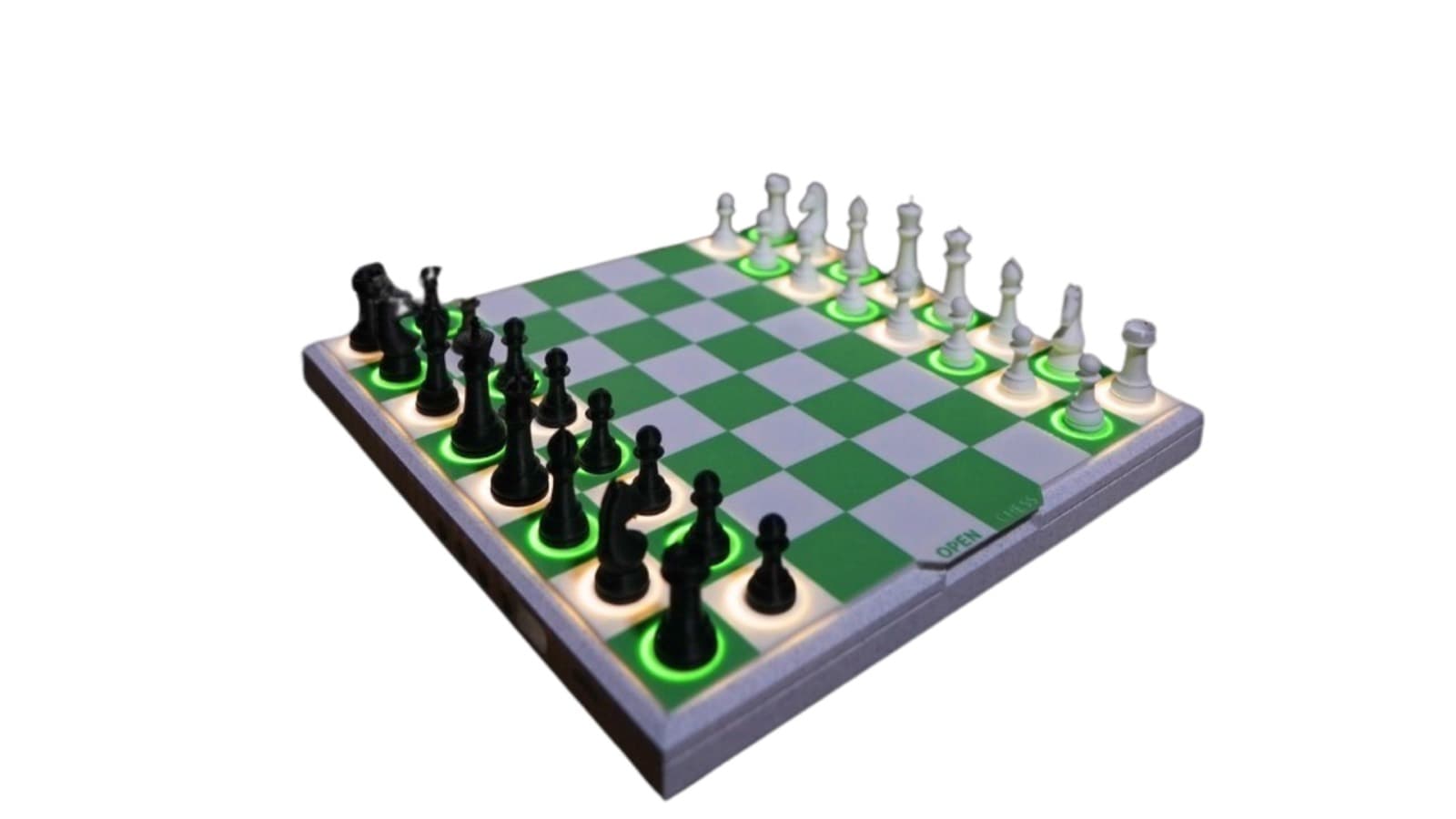
Every piece has a magnet in its base. A hall-effect sensor under each of the 64 squares knows the moment a piece lands or leaves.
- 02
Lift a piece
The square lights up and every legal destination lights with it — green for a quiet move, orange-red for a capture.
- 03
Play the move
Put the piece down and the board confirms it. Try something illegal and it flashes amber and waits for you to put it back.
- 04
Or play someone far away
The board can pair with a second board over the air, talk to an engine over Wi-Fi, or connect to this site over USB.
See Open Chess in action
A walkthrough video goes here — unboxing, first game, and installing a new game mode from the browser.
Video coming soonInstalling new software
New games install directly from this website. Your browser talks to the board over the USB cable using a web standard called Web Serial — there is no app to install and no code to compile.
- 1
Pick a game
Browse the marketplace and open any game. Each one lists exactly what it does and what it needs.
- 2
Plug in the USB cable
Connect the board to your computer with the USB-C cable. Nothing to install, no drivers to hunt down.
- 3
Press Connect
Your browser asks which device to allow. Choose your board and approve it — this permission stays local to your computer.
- 4
Press Install
The software downloads, writes to the board, verifies itself, and restarts. It usually takes under a minute.
What you need
- Google Chrome or Microsoft Edge, version 89 or newer
- A desktop or laptop — phones cannot do USB installs
- A USB-C data cable (charge-only cables will not work)
Your board never leaves your desk
The connection is between your browser and the board over the cable in front of you. We host the software files; your computer downloads them and writes them locally. No account, and nothing about your board is sent anywhere.
If your board doesn't show up
Close Arduino IDE or any other serial monitor first — only one program can hold the port. If it still doesn’t appear, hold BOOT, tap RESET, release BOOT, then press Connect again.
Hardware reference
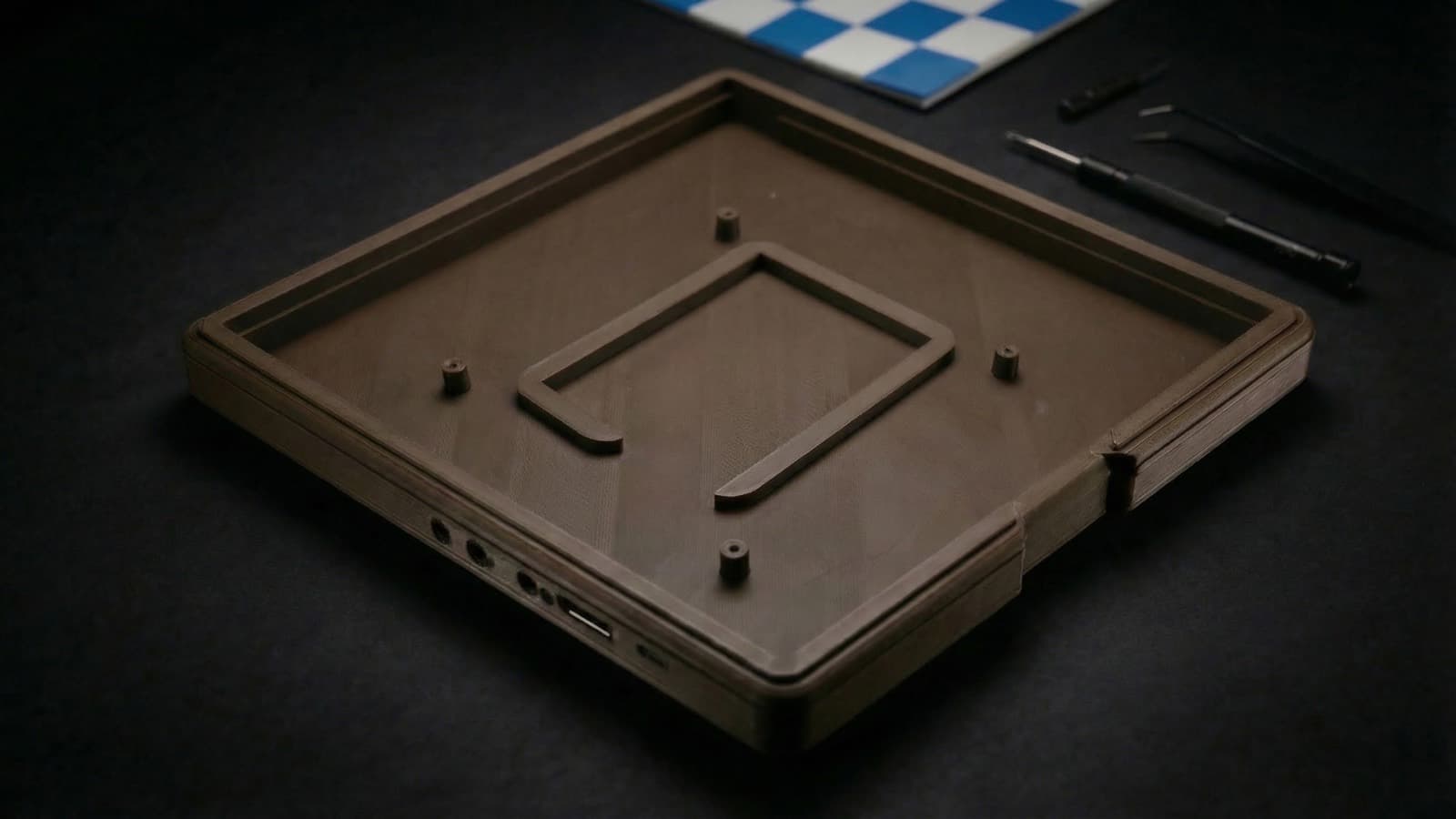
The shell
3D printed, and the files are yours. Print it in any colour you like.
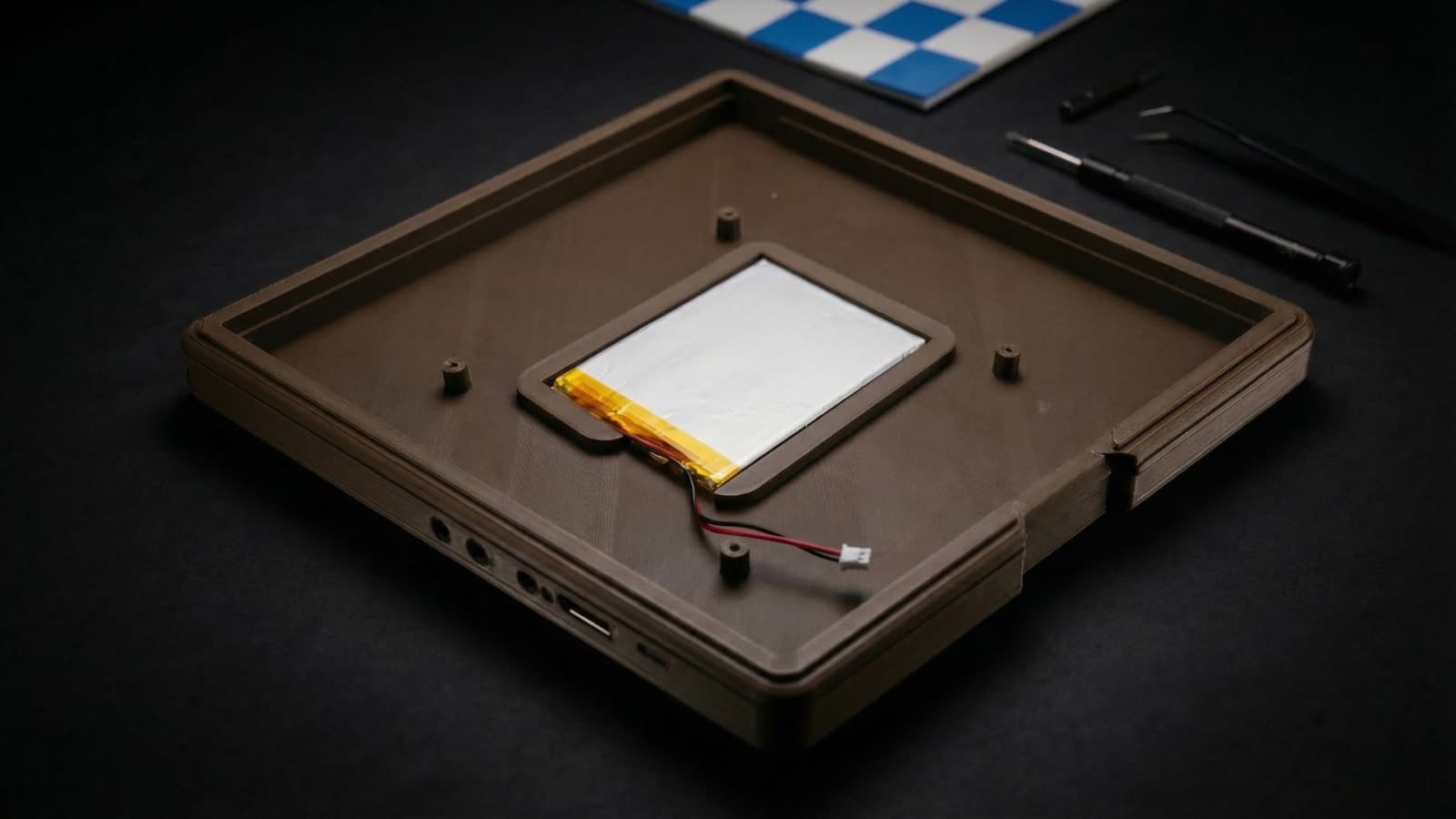
Power
A single-cell battery and a USB-C cable — 6+ hours of continuous play per charge.
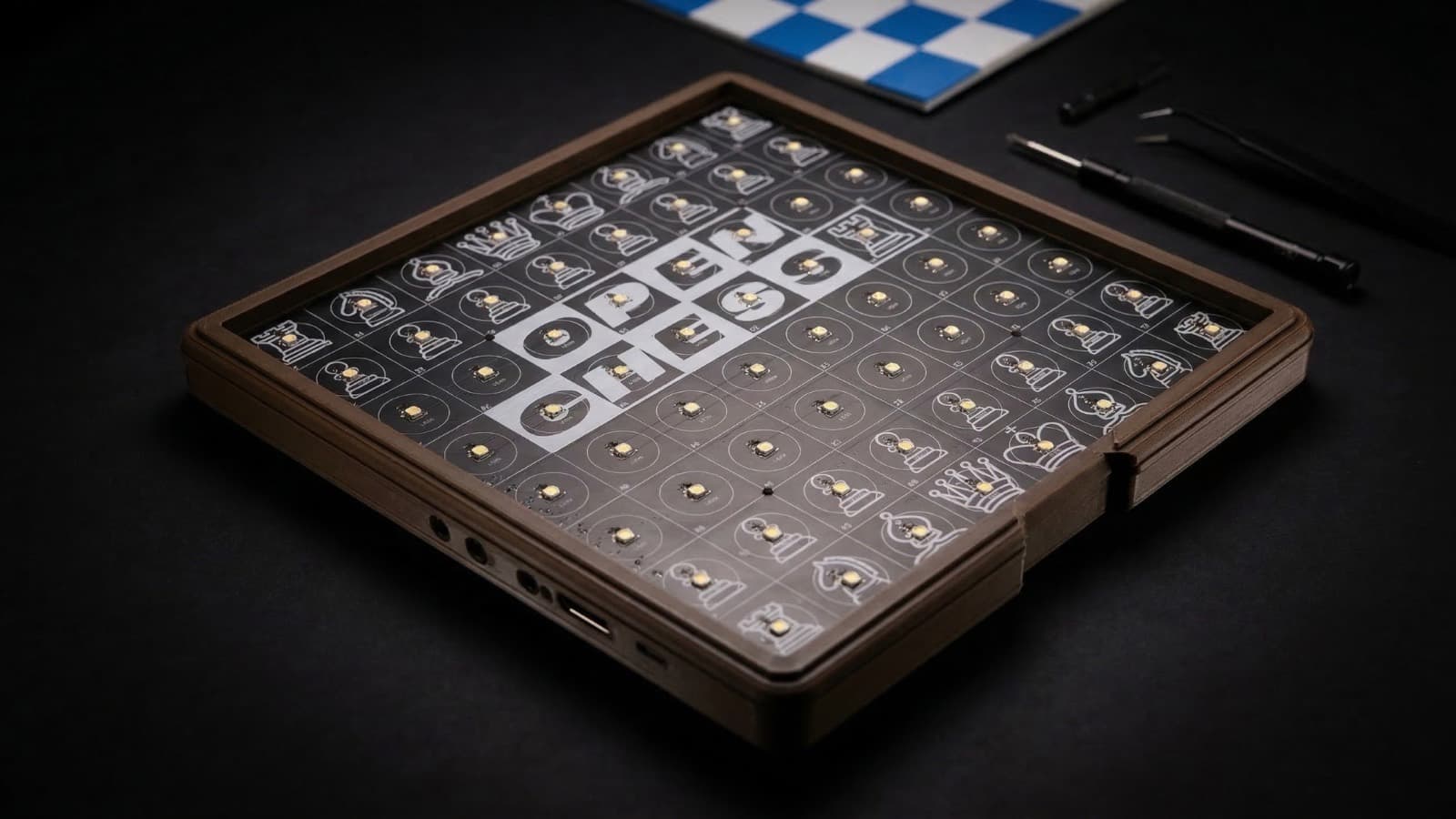
The senses
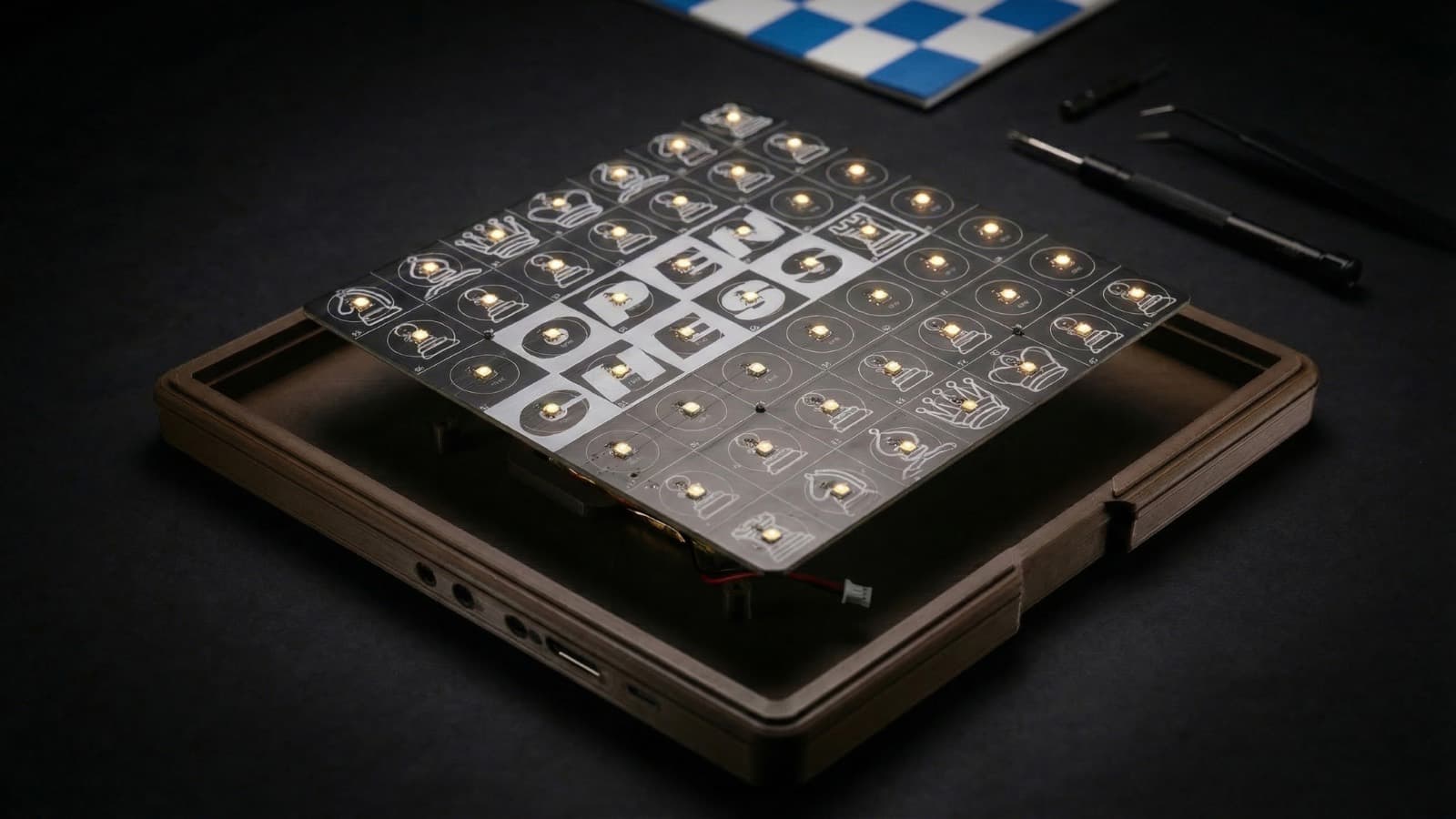
64 hall-effect sensors read every piece, scanned by an ESP32-S3.
The lights
64 addressable LEDs, one per square. Every game decides what they mean.
Specifications
- Microcontroller
- ESP32-S3 (8 MB flash), USB-C
- Piece sensing
- 64 × AH3411 hall-effect sensors, one per square
- Lighting
- 64 × RGBW addressable LEDs (WS2812B compatible)
- Square scanning
- 74HC595 shift register drives one column at a time
- Controls
- Two tactile buttons, plus BOOT and RESET
- Power
- Single-cell LiPo with USB-C charging and power path
- Wireless
- Wi-Fi 2.4 GHz and Bluetooth built into the ESP32-S3
Pin assignments
For anyone writing their own sketch. Every game in the marketplace uses these same pins, so code moves between games unchanged.
- IO1LED data line
- IO45 / IO47 / IO46Shift register data / latch / clock
- IO35 – IO42Row sensor inputs (row 0 is White's back rank)
- IO9 / IO10Button A / Button B
- IO6 / IO7I²C to the battery charger
- IO0 / ENBoot select / reset
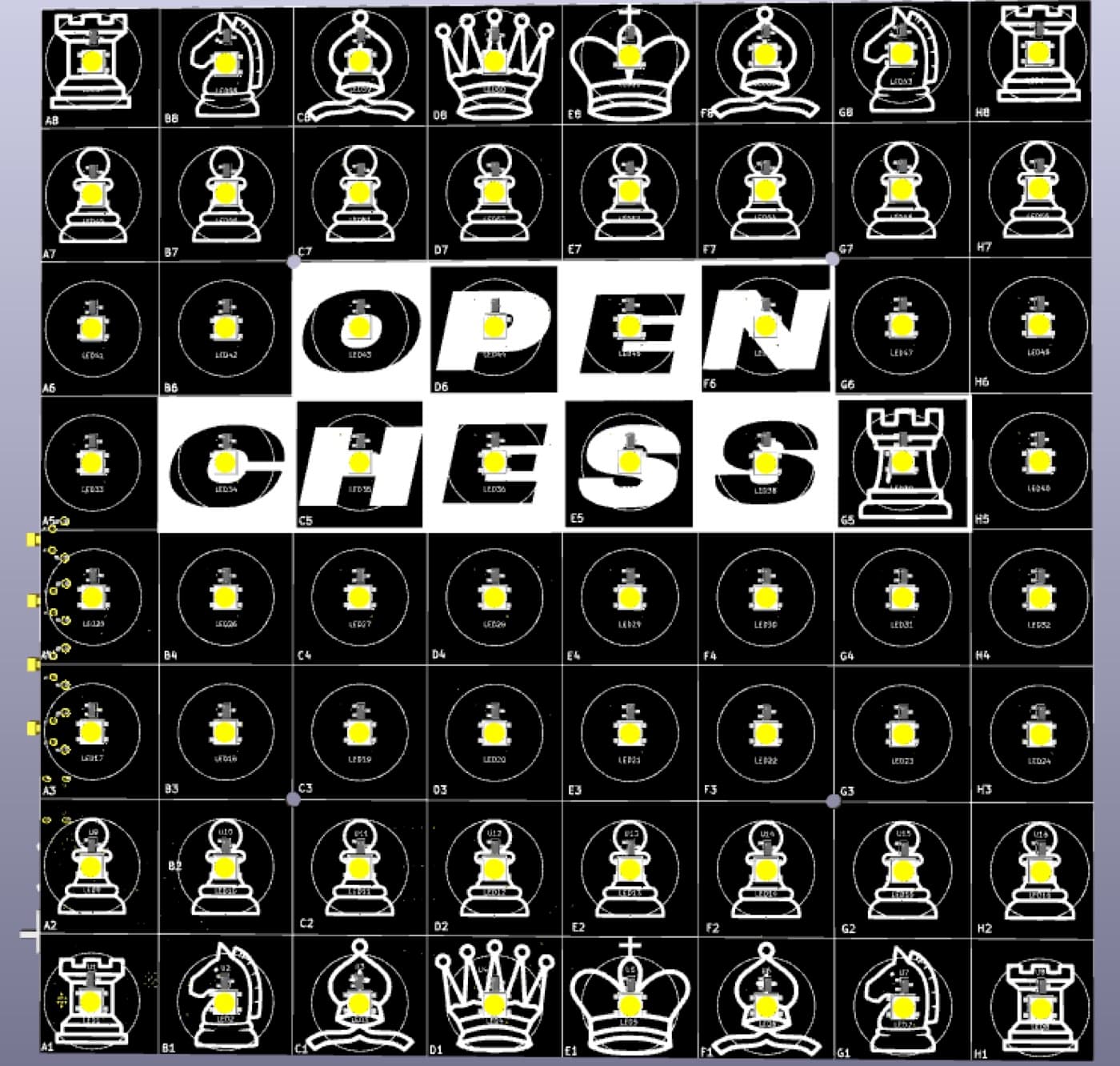
Sensor and LED board — one hall-effect sensor and one addressable LED per square.
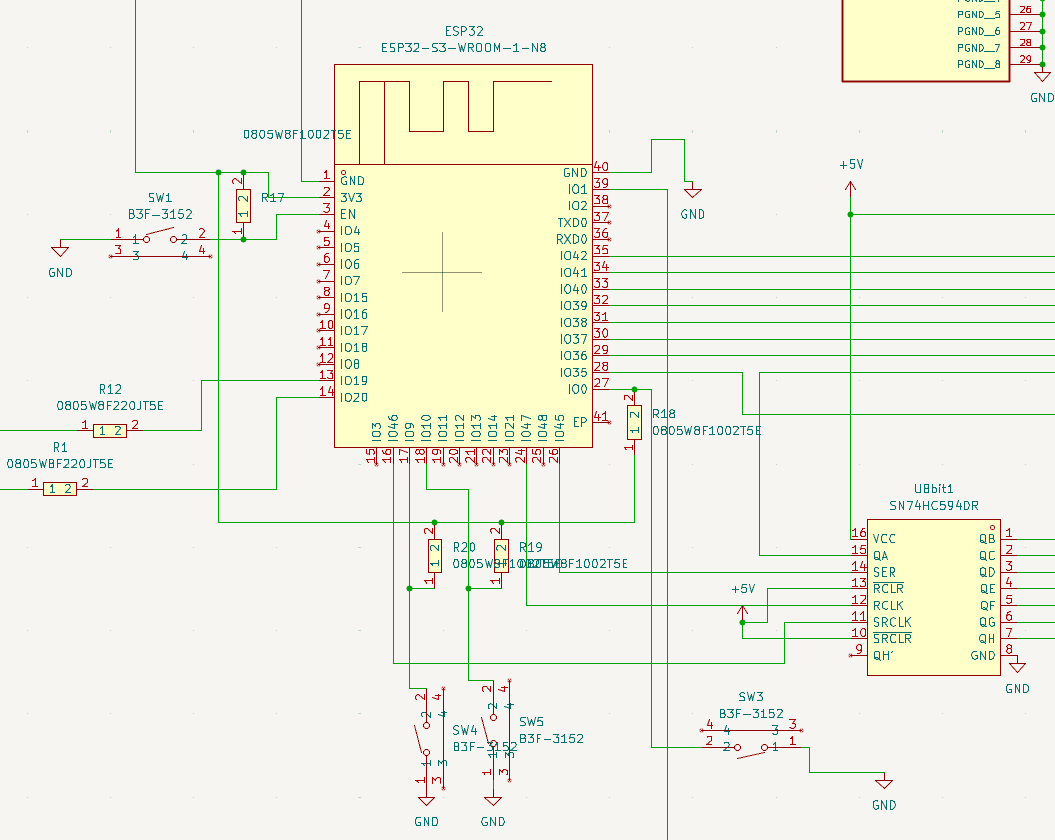
Controller: ESP32-S3, USB, and the shift-register column scan.
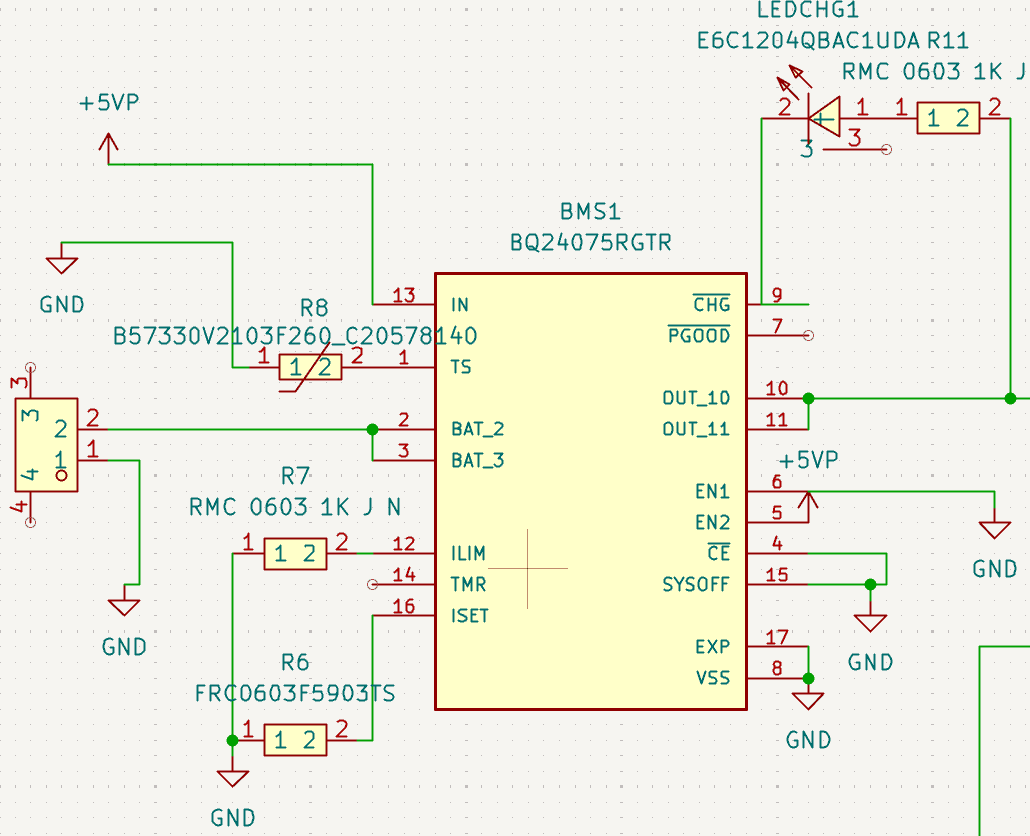
Power: single-cell charger, protection, and 3V3 regulation.
Board protocol
Firmware that wants to appear on the Connect page speaks a small line-based protocol over USB serial at 115200 baud: one JSON object per line, each with a t field. Unknown types are ignored on both sides, so the board and this site can be updated independently.
{"t":"hello","board":"open-chess","fw":"1.2.0"}
{"t":"state","fen":"<FEN>","turn":"w"}
{"t":"occupancy","squares":"ffff00000000ffff"}
{"t":"lift","sq":"e2"}
{"t":"place","sq":"e4"}
{"t":"move","uci":"e2e4"}
{"t":"battery","percent":87,"charging":true}
{"t":"result","result":"checkmate","winner":"w"}{"t":"ping"}
{"t":"identify"}
{"t":"newgame","mode":"atomic"}
{"t":"hint","squares":["e4","d5"]}
{"t":"led","sq":"e4","color":[0,255,0,0]}
{"t":"leds","clear":true}
{"t":"brightness","value":120}
{"t":"move","uci":"e7e5"}Older firmware still works
Sketches that only print debug text are treated as log output, so the Connect page shows the raw serial stream instead of a live board rather than failing. The occupancy field is 16 hex characters — 64 bits, a1 through h8.